I was today days old when I learned there’s a free site called ToolWaves with 250+ interactive tools and simulations that run entirely inside your browser — no login, no signup, and nothing ever gets uploaded anywhere. I went in expecting another PDF-converter site with a “sign up to continue” wall three clicks in. What I found instead was a genuinely large STEM simulation lab sitting next to a long tail of ordinary productivity tools, all built by one person who got tired of the cluttered, ad-choked version of the same idea. Source: ToolWaves.
250+ Modules, and the Breadth Is the Whole Point
The current homepage headline reads: “Empowering students and engineers with 250+ advanced simulation modules and productivity utilities,” backed by three quiet claims — No signup, 100% browser-based, Built for learning. Source: ToolWaves.
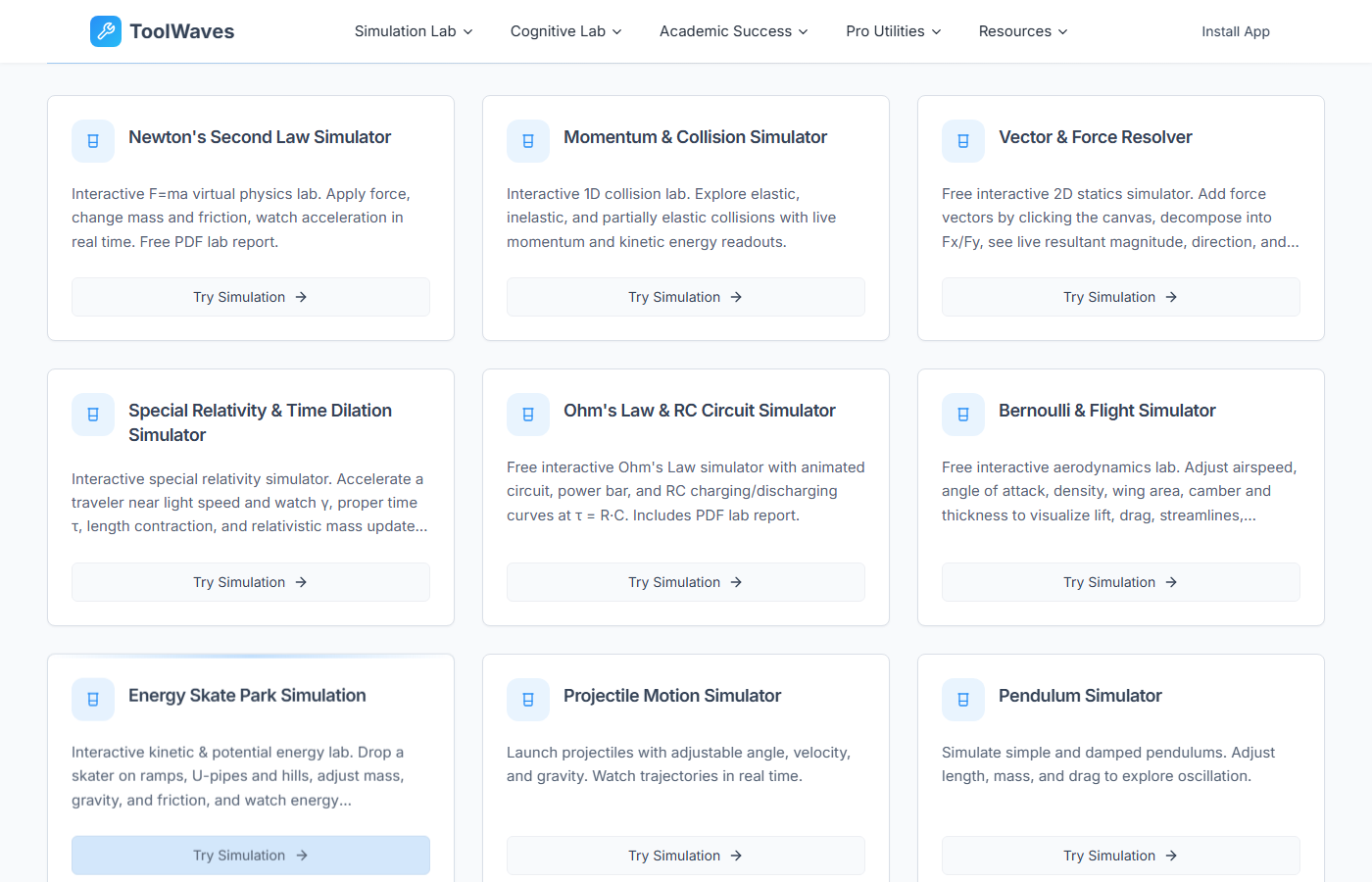
What sold me on it wasn’t the number, it was what’s actually in the three featured categories. Engineering covers Beam Deflection, a Truss Bridge Analyzer, Fluid Flow, Heat Transfer, an Electric Circuit Builder, and a Logic Gate Simulator. Science covers Projectile Motion, Pendulum, Optics & Lens, Newton’s Second Law, Wave Interference, and Chemical Balancing. Biology & Math covers DNA Replication, Natural Selection, Mendel’s Pea Plants, Neuron Fire, a Function Visualizer, Unit Circle, and Probability. Every one of those is a real, current module name, verified directly against the live homepage rather than copied from an old writeup. Source: ToolWaves.
Beyond the simulation side, the site’s own “All Tools” directory currently lists 289 tools total — 79 of them filed under Simulation Lab, another 8 under a separate Cognitive Lab, and the rest spread across a long tail of ordinary Pro Utilities categories: Text Tools, PDF Tools, Image Tools, Media Tools, Interactive Charts, Calculators, Code Tools, SEO Tools, Engineering Tools, Design Tools, and more. Individually, that’s things like a Free Word Counter, a Case Converter, a Text Cleaner, a Free PDF Merge, and a Free PDF Split — the unglamorous utilities that get real daily use. Source: ToolWaves, All Tools.
Everything Actually Stays in Your Browser
The privacy pitch isn’t just marketing copy. Per the maker’s own technical writeup, every tool on ToolWaves runs client-side using Vanilla JavaScript, WebAssembly, the Canvas API, the Web Audio API, FileReader & Streams, and client-side machine learning models where needed. Nothing is uploaded to a server, nothing leaves your device, and your files never touch the internet. Only two things on the entire platform use a server at all: the homepage itself, and lightweight, non-personal analytics. Source: Oğuzhan, I Built 150+ Free Tools That Run 100% in Your Browser.
The site’s own About page backs this up in plainer language: “Whenever technically possible, processing happens entirely in your browser (client-side). That means faster results and stronger privacy — your files don’t get uploaded to our servers.” No account, no login, no signup, on either the simulation side or the utility side. Source: ToolWaves, About.
One Frustrated Engineer, One Text Cleaner, and a Site That Kept Growing
The maker is Oğuzhan, a civil engineer (Dokuz Eylül University, 2019) turned indie maker. His own account of building ToolWaves starts with a familiar annoyance: every time he needed a simple online tool — a word counter, an image converter, a PDF merge — the site he landed on was “full of pop-ups, ads, limits, sign-ups, and 5-second timers.” So one evening he asked himself why something so simple had to be this annoying, and built a single text cleaner that ran entirely in the browser, with no login and no tracking. Source: Oğuzhan, I Built 150+ Free Tools That Run 100% in Your Browser.
From there it just kept growing on its own momentum: a word counter, then an image converter, then a PDF merge, then a scientific calculator, each time followed by users asking “can you also add this?” By the time he wrote about it, ToolWaves had crossed 150+ free tools. Since then, the site has clearly grown and re-centered itself around the STEM Simulation Lab that now leads the homepage, with the utility side folded in underneath as “Pro Utilities” — which is likely why the current live numbers (250+ on the homepage, 289 in the tools directory) run ahead of the 150+ figure in his original post. It’s now operated under a small LLC (Lyndorin LLC, per the About page), which reads less like a pivot and more like what happens when a side project a solo developer keeps saying yes to actually finds an audience. Source: ToolWaves, About.
No dark patterns was the whole point from day one — no hidden download buttons, no forced registration, no data selling, no usage throttling unless you pay. Just open a tool and use it. Source: Oğuzhan, I Built 150+ Free Tools That Run 100% in Your Browser.
Whether you actually need a Truss Bridge Analyzer or you just want to merge a couple of PDFs without creating an account, ToolWaves is worth bookmarking. It costs nothing to try, it doesn’t ask for an email address first, and unlike most of its category, it’s honest about what it does with your files — nothing.